How to Set Up (VIP) LTQ Deluxe on Android (VIP App)

Install (VIP) LTQ Deluxe with Downloader code 9865960 and sign in with your BritishIPTV login details.
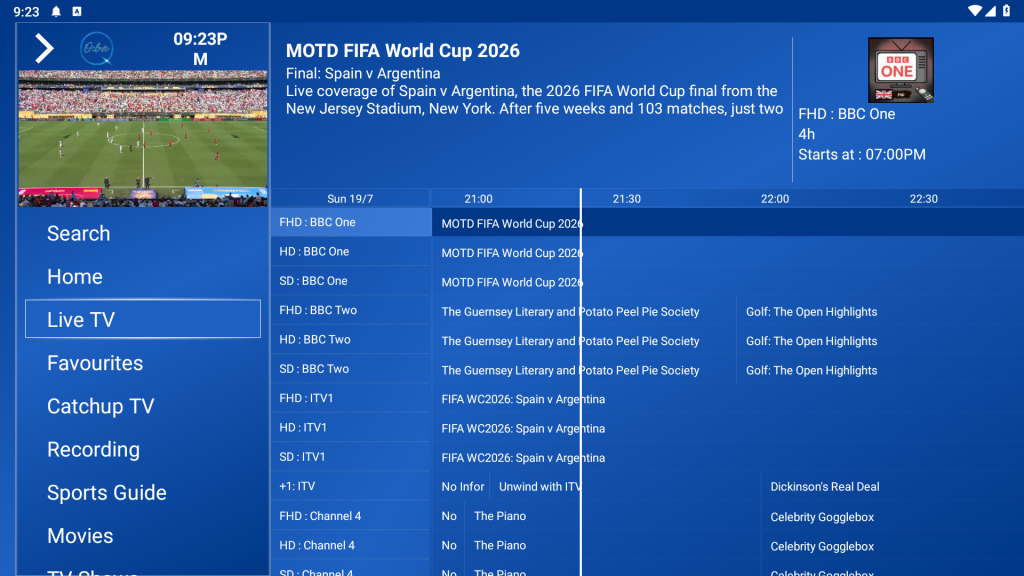
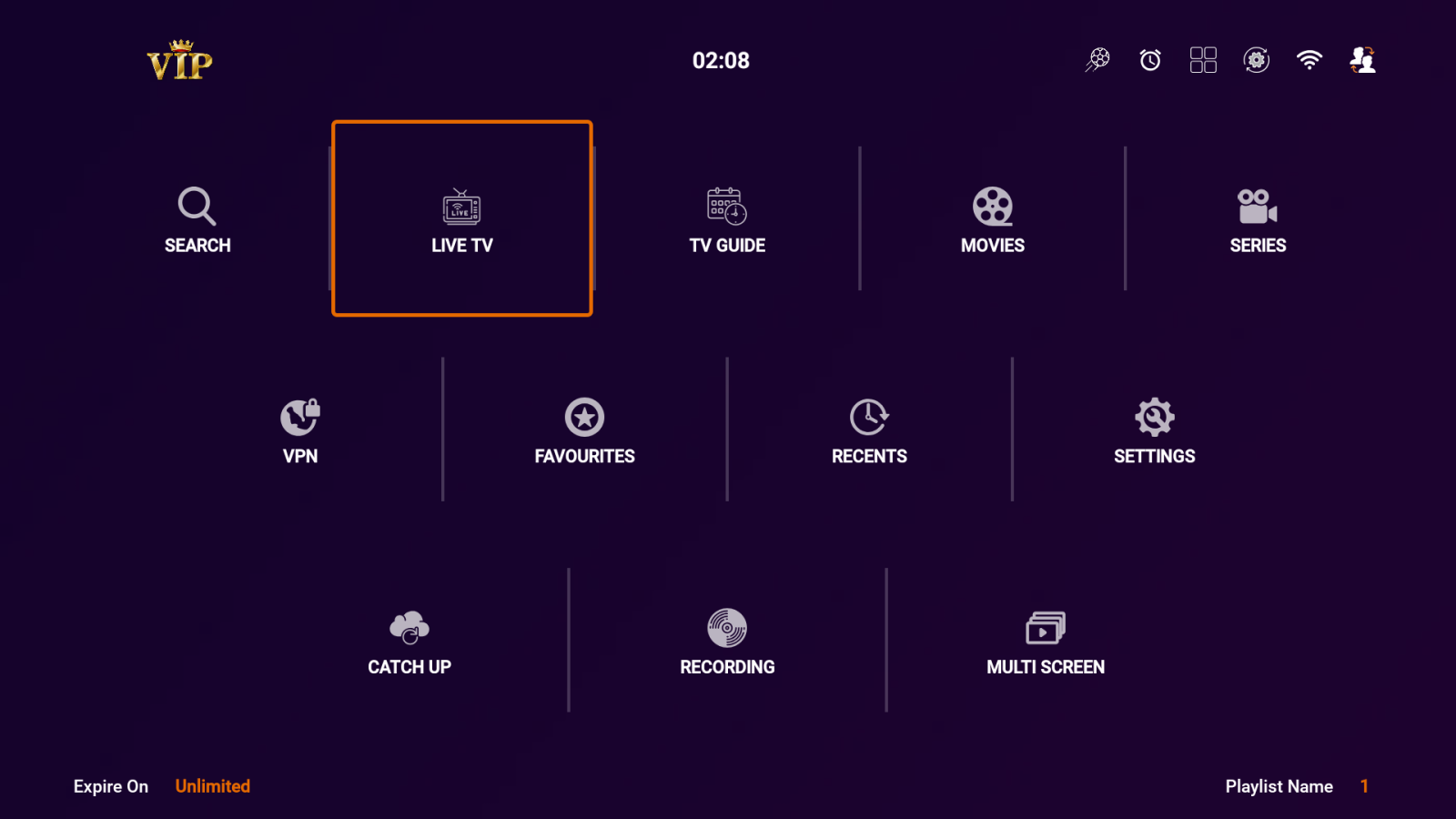
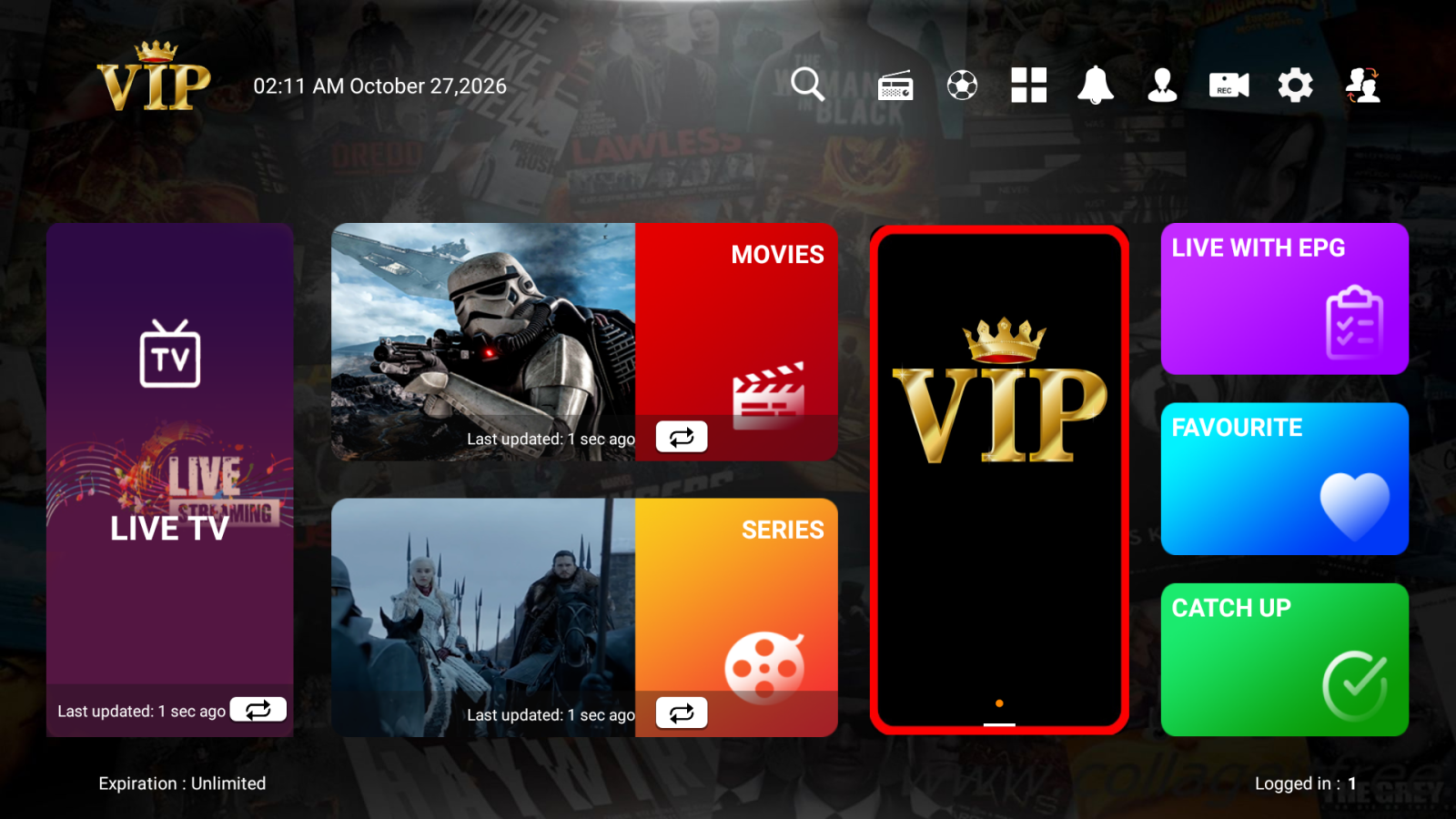
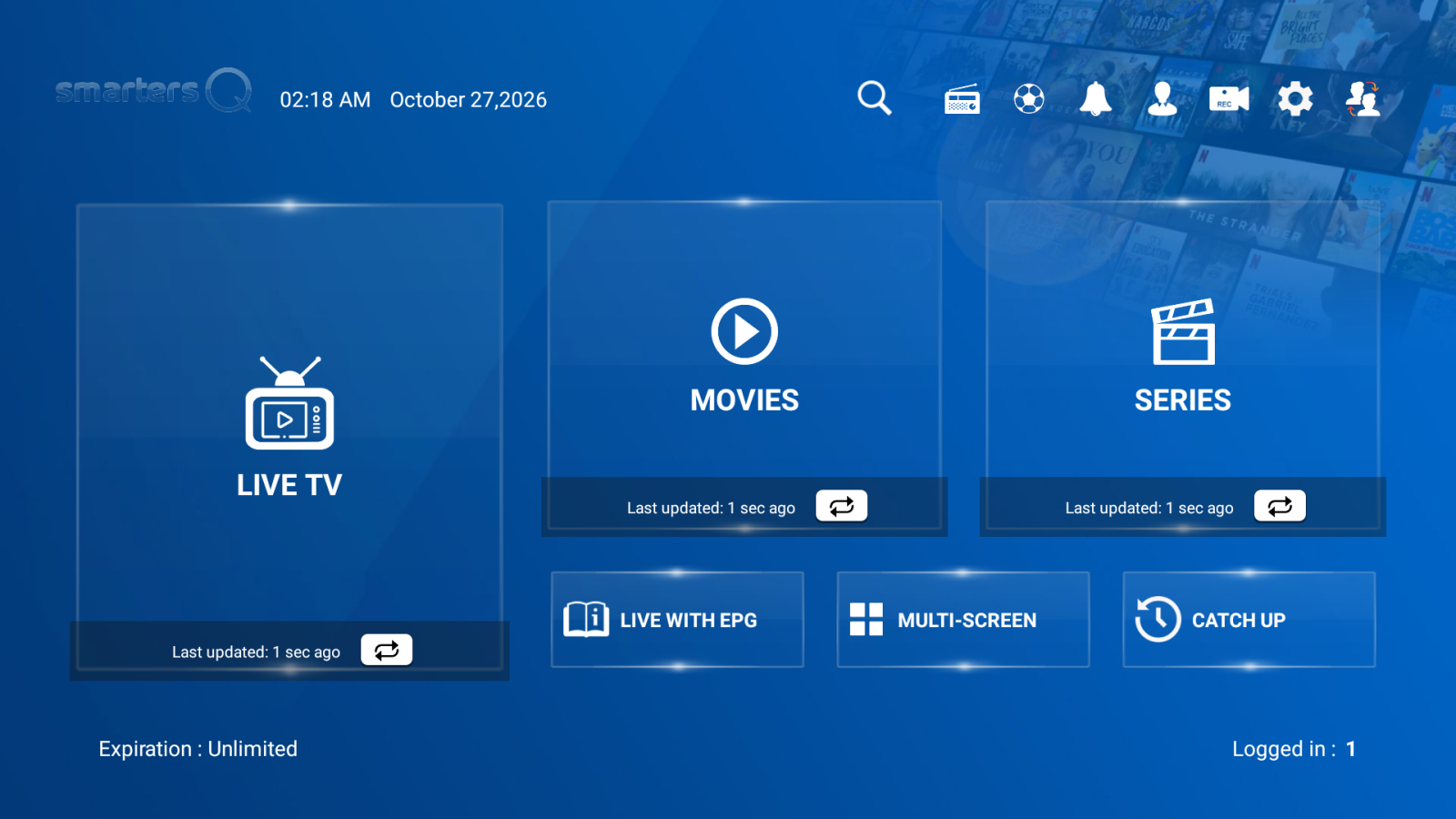
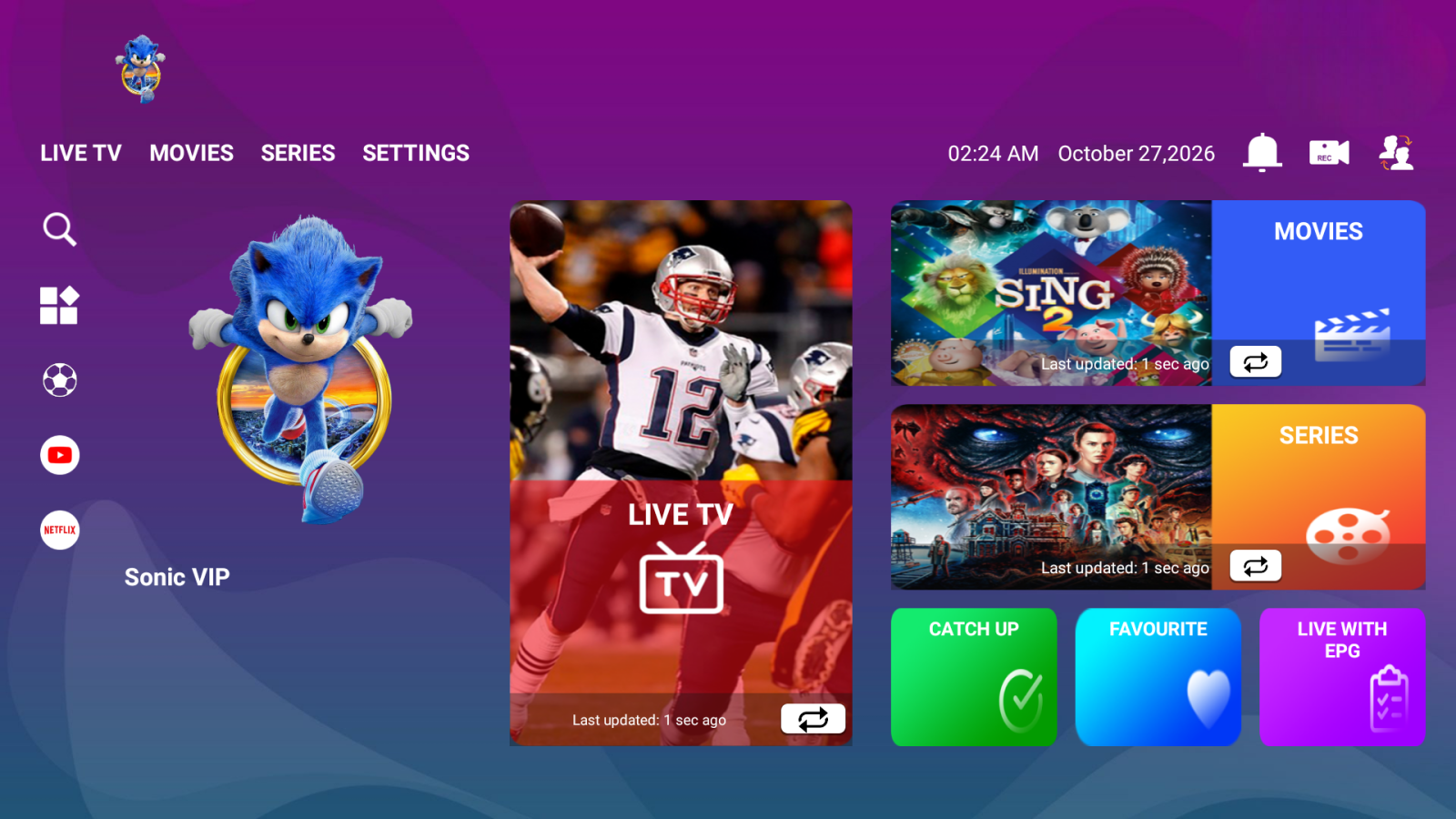
(VIP) LTQ Deluxe screenshot

(VIP) LTQ Deluxe

Downloader Code: 9865960

Direct Download

Downloader Code: 9865960

Step 1: Before You Start

You will need the login details from your welcome email: a server URL, a username and a password.

Do not have them yet? Take a 24 hour test line from our plans section and they arrive by email within minutes.

Step 2: Install the App
  1. On your Fire TV home screen choose Find, then Search, and look for Downloader.
  2. Select Get or Download and wait for it to install.
  3. Go to Settings > My Fire TV > Developer Options > Install unknown apps and switch Downloader on.
  4. Open Downloader, choose Allow on any prompts, and type the Downloader code shown at the top of this page into the address bar. If there is a Direct Download button on this page you can use that link instead.
  5. Select Go, wait for the file to download, then choose Install.
  6. When it says the app is installed, choose Done and delete the installer file to free space.
Step 3: Open (VIP) LTQ Deluxe

Open the app. If you are asked for permission to access media or storage, choose Allow. Choose the option to add a user, or to log in with Xtream Codes (sometimes called Login with Xtream Codes API).

Step 4: Enter Your Login Details
  1. Give the profile any name you like, for example BritishIPTV.
  2. Enter your username and password exactly as written in your welcome email.
  3. Enter the server URL from your welcome email, including the http:// and any port number.
  4. Choose Add User or Login and wait while the channels load. The first load can take a minute.
Step 5: Start Watching

Pick Live TV, Movies or Series, choose a category and select a channel. Use the TV guide button to see what is on now and next, and catch-up where it is available.

Step 6: If Something Is Not Working
  • Check there are no spaces before or after your username, password or server URL.
  • Restart the app and your device, then try again.
  • Buffering? Move closer to your router or use a wired connection, and close other apps that are streaming.
  • Still stuck? Contact support and tell us your device and app.

← All Android Apps Need Help?

Other VIP Apps